
Key Takeaways
- Product page SEO is the work of helping product pages rank in Google Search, Google Shopping and AI shopping answers, and convert the visitors they bring.
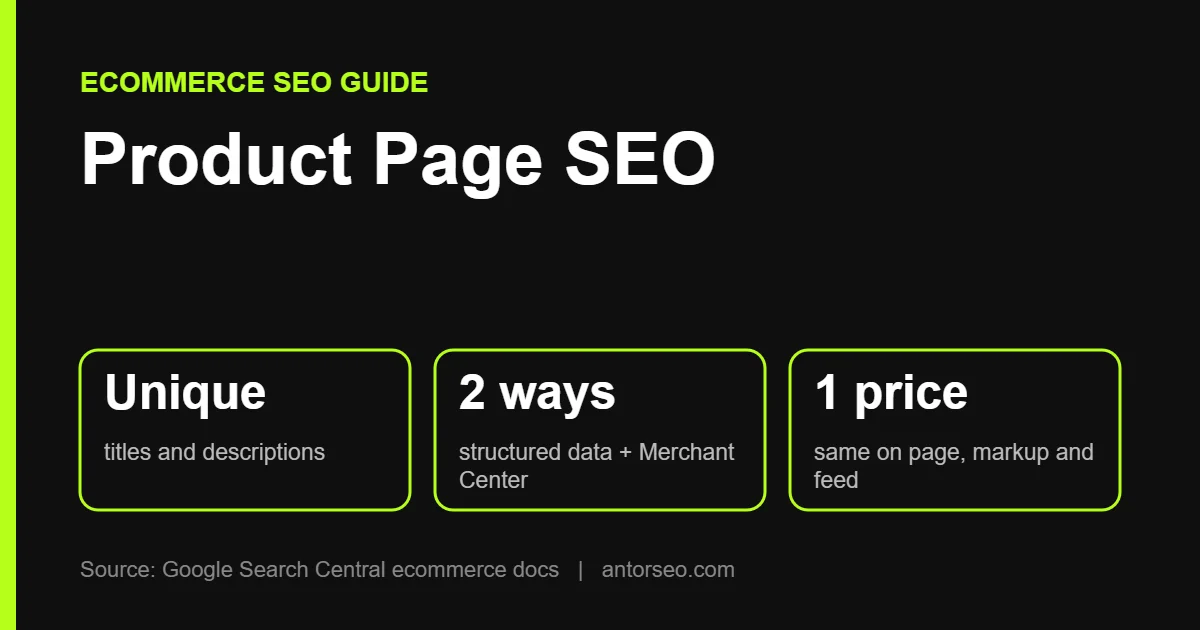
- Write unique titles and descriptions for every product. Copying the manufacturer’s text gives Google no reason to prefer your page.
- Google recommends sharing product data in two ways: structured data on the page and a Merchant Center feed.
- Keep price and availability the same on the page, in structured data and in Merchant Center. Google names mismatches here as the main product data risk.
- Handle variants, out-of-stock items and discontinued products with clear rules, so you do not create duplicate or empty pages.
Product pages are where online stores make money, yet they are often the weakest pages on the site. Many stores use the manufacturer’s description, a few small photos and a title that is just the product name.
This guide covers product page SEO in 2026: what to put on the page, how to share product data with Google, how to handle variants and stock changes, and how product pages appear in AI shopping results.
Where Product Pages Can Appear on Google
Google’s ecommerce documentation covers the many places product content can show, including regular search results, product rich results with price and ratings, the Shopping tab and Google Images. AI Mode can also show products from the Google Shopping Graph. The same product data powers most of these, which is why getting it right matters.
Anatomy of an SEO-Friendly Product Page
1. A Descriptive Title Tag and H1
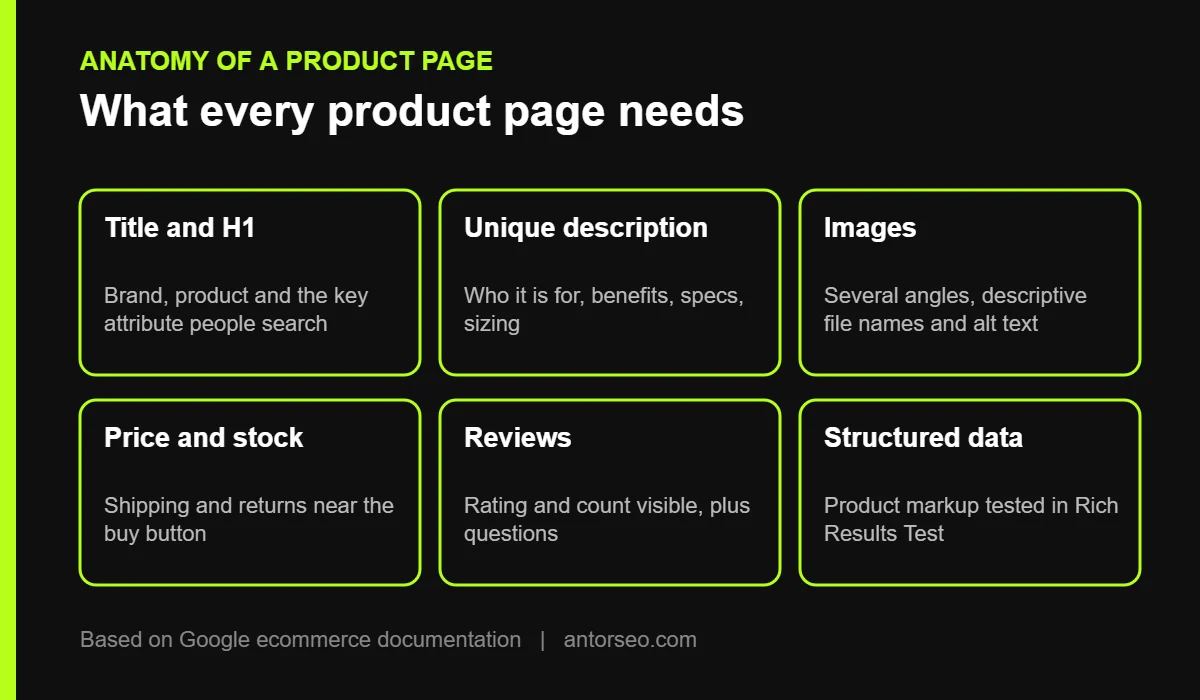
Include the brand, product name and the key attribute people search for, such as model, size or material. “Trail Running Shoe” is too vague. “Brand X TrailLite Women’s Waterproof Trail Running Shoe” matches how people search. See our guide to title tag SEO.
2. A Unique Product Description
Write your own description for important products. Explain who the product is for, what problem it solves, how it compares with similar items, and practical details such as sizing, materials and care. Use bullet points for specifications and short paragraphs for benefits.
For stores with thousands of products, start with your best sellers and highest-margin items, then use well-built templates for the rest that pull in unique attributes.
3. High-Quality Images
Use several clear, high-resolution photos from different angles, with the product in use where possible. Give files descriptive names and write useful alt text such as “black waterproof trail running shoe side view.” Google says images listed in Merchant Center are also used for product results in Google Images.
4. Clear Price, Availability and Shipping
Show price, stock status, delivery time, shipping cost and return policy near the buy button. These details help shoppers decide and match the data Google shows in results.
5. Reviews and Questions
Customer reviews add unique content, answer real questions and build trust. Show the review count and average rating near the top, and include a questions section if shoppers often ask the same things.
6. Internal Links
Link each product to its category, related products and useful guides. This helps Google understand your site structure and helps shoppers keep browsing. Our internal linking guide explains how to do it at scale.
Share Your Product Data With Google
Google’s guide to sharing product data recommends two methods, used together:
| Method | What it does | Best for |
|---|---|---|
| Structured data on the page | Helps Google read price, discount, shipping and ratings, and makes pages eligible for product rich results | Every product page |
| Merchant Center feed | Tells Google directly which products you sell, with full control over updates | All stores, especially large or fast-changing catalogs |
Product Structured Data
Google supports two kinds of product markup. Merchant listing markup is for pages where customers can buy the product from you. Product snippet markup is for other product pages, such as reviews. Google’s product snippet documentation lists the required properties: the product name plus at least one of review, aggregate rating or offers. Most store platforms and SEO plugins add this automatically, but test a few pages in the Rich Results Test. Our schema markup guide covers the basics.
Merchant Center
Uploading products to Google Merchant Center makes them eligible for free listings in the Shopping tab and other Google surfaces. Smaller stores can let Google build a feed from crawled pages. Larger stores should upload scheduled feeds or use the API so prices and stock stay current.
Keep Data in Sync
Google warns that price and availability are the main risk. If your page says one price and Merchant Center says another, the data conflicts. Update both together, and use Merchant Center’s setting to update its data from your website when it finds a mismatch.
How to Handle Variants and Stock Changes

- Variants (size, color): Usually keep one main page with selectable options, or give each variant its own URL if people search for it specifically. Google supports variant markup to show how pages relate. Use canonical tags to avoid duplicate pages for small differences. See our technical SEO guide for how canonicals work.
- Temporarily out of stock: Keep the page live, mark it out of stock in structured data and on the page, and suggest alternatives.
- Permanently discontinued: Redirect to the closest replacement or the parent category if one clearly fits. Otherwise return a 404 or 410 so Google stops crawling it.
- Seasonal products: Keep the URL year to year and update the content, so the page keeps the links and history it has earned.
Common Product Page SEO Mistakes
- Copying manufacturer descriptions word for word across every product.
- Leaving thin pages with one photo and two lines of text.
- Letting filter and sort options create thousands of indexable URLs, which wastes crawl budget.
- Showing different prices on the page and in structured data.
- Deleting out-of-stock pages that still have links and rankings.
- Hiding key information inside images or tabs that never load.
Product Pages and AI Shopping
Google AI Mode and other AI assistants now answer shopping questions such as “best waterproof trail shoes under $150 for wide feet.” Google’s AI optimization guide recommends Merchant Center feeds so products can appear in AI responses. Clear attributes (size, material, use case), honest descriptions and real reviews make it easier for AI systems to match your products to detailed questions. Read more in our guide to Google AI Mode SEO.
Product Page SEO Checklist
- Unique title tag and H1 with brand, product and key attribute.
- Original description that answers buyer questions.
- Several high-quality images with descriptive file names and alt text.
- Price, stock, shipping and returns near the buy button.
- Reviews with rating and count visible.
- Product structured data tested in the Rich Results Test.
- Products uploaded to Merchant Center, with price and stock kept in sync.
- Canonical tags for variants and filtered URLs.
- Links to category pages, related products and guides.
- A clear plan for out-of-stock and discontinued items.
Frequently Asked Questions
What is product page SEO?
It is the process of improving product pages so they rank in Google, appear in Shopping and AI results, and turn visitors into buyers.
Can I use the manufacturer’s product description?
You can, but it gives Google little reason to rank your page over other stores using the same text. Write unique descriptions at least for your most important products.
Do I need structured data on product pages?
Google says it is not required to appear in search, but it makes pages eligible for product rich results and helps Google read price and shipping. It is strongly recommended.
Should out-of-stock products be removed?
Not if they will return. Keep the page, mark it out of stock and suggest alternatives. Remove or redirect only products that are gone for good.
Does Merchant Center help SEO?
It does not change regular rankings directly, but it makes products eligible for free listings in Shopping and other Google surfaces, including AI shopping features.
Running an online store? Our ecommerce SEO service covers product pages, categories and Merchant Center, or start with a free SEO audit.